*Topaz DeNoise 5, like a fine wine.

***UPDATE See the new Topaz DeNoise 6 reviewed and compared to DeNoise 5 HERE***

Smooth, yet refined with an impeccable attention to detail.

Noise has become less and less an issue for digital photographers over the last few years as sensor technology gets better, in camera processing is capable of shouldering more of that load than ever before and digital asset management software/RAW converters are up to the task for much of the noise reduction needs.  Still, with analog to digital information translation, there is an inherent signal:noise issue that can always be further helped by a good noise reduction software.  Add to that, pro-sumer 35mm format models breaching the Medium Format pixel counts, or compact sensors pushing the pixel pitch to near immeasurable dimensions, there is, and will be a need for a manual noise reduction control through post processing.  While Lightroom and Aperture have good noise reduction algorithms, they are the swiss army knife of image processing, giving you many handy tools, but what happens when you need a power tool?  That little Swiss army knife’s mini-saw ain’t gonna cut through that noise riddled log for you, you’ll need a chainsaw.   Enter, Topaz DeNoise5, your powerful, noise reducing chainsaw.  You can download a free trial, or purchase DeNoise.  If interested click HERE to go to Topazlabs.com.  I’ve used Noise Ninja and Nik Define in the past, and I think both of those have just been pushed out of my workflow.  Read on for examples and my take…

Continue reading

*All Alien Skin Software 30% off through September 25th!

If you’ve been on the fence about any of the Alien Skin plugins, now might be a great time to pull the trigger.  Of course, they offer all of their plugins as full featured, free trials to try before you buy.  You have about a week, get at it!

I’m a big fan, if you’d like to read my reviews on some of their plugins that I use and suggest, hit the links below:

Exposure 4 (tons of wonderful color and b/w film filters, a personal fave)

Snap Art 3 (instantly turn images into paintings)

Bokeh 2 (replicate the bokeh from high end lenses, or just have fun obliterating the background)

You can purchase any of the plugins, or bundles directly from Alienskin.com

I know this seems a bit like a sale’s pitch, and something I try not to do with the blog, but I love these plugins, the company they come from and both Jeff and Jimmy are really cool guys, so support ’em if you can.

Cheers,

Tyson

*Software and Plugin sale galore

For any of you out there that may have been on the fence, both Alien Skin and Kubota Image Tools happen to be offering a substantial discount off of their software and actions respectively.  I’ve personally reviewed a variety of the Alien Skin Software (Bokeh, Exposure 3 and 4, Snap Artand had played around a bit with some of the actions available through Kubota Image Tools via the Lensbaby Action Pak and most recently reviewed Kevin’s Lighting Notebook.

Kubota Image Tools is having a sale with as much as 50% off their action paks through the end of April, see more HERE.

Alien Skin has a 30%-40% off sale through Tuesday, April 17th and for any existing users of Alien Skin products, they offer an extra 10% off by using the code “FAN1204” 🙂 Find the Alien Skin Sale HERE.

Wedding season is coming up and for those who use Photoshop or Lightroom (or even Aperture), you may know how valuable good software and quality photoshop actions can be to workflow, or for anyone that likes to add efficiency to their post processing, I’d certainly suggest checking these guys out.

I’ve reviewed these products because I love them and use them all the time in my own personal workflow, and would fully endorse them to anyone that was interested.  Just thought I’d pass this along just in case you’re thinking of buying any of these!

Happy Spring and happy shooting,

Tyson

*Exposure 4, it just keeps getting better.

I’ve been a huge fan of Alien Skin’s software for years now so I’m sure it’s no surprise that I’m excited by their recent update to an already killer plugin.  Exposure 4 keeps the functional structure in tact and further enhances its skill set to fine tune it into a plugin that will help any photographer, or digital artist further realize their final vision.

Read on for my experience through this exciting new release…

Continue reading

*Digital Film Tools – Film Stocks Plug-in!

Officially announced and available immediately for $95usd (still image plugin) or $195usd (video plugin) this new offering from Digital Film Tools gives you the same amazing layer based control as Tiffen Dfx v.3,  for 288 different film stock replications.  Read on for examples and more info…

Continue reading

*Everything you need to know about digital photography (well, almost). Two years of tips, tricks and various freebies, revisited.

With my blog’s second anniversary coming up, I wanted to thank everyone that has stopped by, commented and added to the content.  It’s been a fun couple of years and has been far more educational for me than I’d ever thought it would have been.  I wanted to make a list of my more popular posts as well as some that can help some of us who may be just stumbling into the fold.  Any of us who have recently acquired a new camera and may be wanting to learn how to use it to its potential, or are looking to build up a few post processing techniques, I’ve compiled some of the more useful and popular posts below…

Continue reading

*Tiffen Dfx 3, one plugin to rule them all?

There are no shortages of plugins to help photographers and digital artists streamline their workflow and help fine tune their look. Tiffen Dfx-3 offers an amazing amount of digital filters and user manipulatable options in one plugin. Is it useful to have this many options in one plugin, or is it too much? Well, depending on your needs and budget, this may be the only photoshop plugin you’d ever require. Read on for examples and my tip of the iceberg review on this amazingly filter packed plugin…

Continue reading

*Fractalius for Mac!?


Topaz Glow

Using Topaz Glow in place of Topaz Clean gives me much better results.


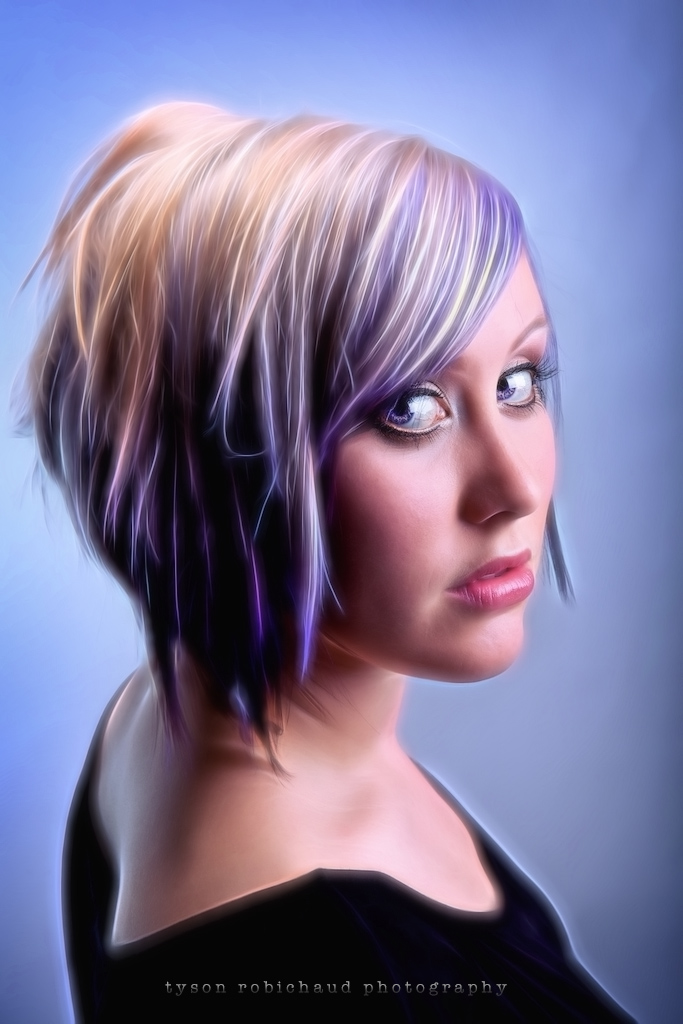
No, the developers of Fractalius haven’t quite broken down and offered those of us using macs the plugin we’ve been pining for, but I have found a way to get similar results.  You may have seen a very cool effect in the threads or photo pools in your favorite photography forum.  I, like many, found myself attracted to the effect produced and became discouraged when I found out that the software that enabled the digital artists I’d been admiring, was a Windows only program.  I’m no fanboy, nor do I get paid to push one brand over another so I in no way mean to stoke any ‘which is better’ type conversation, but merely pass along a work around that I’ve found to create a similar effect for very, very little money…

The program is called Topaz Glow, and it’s awesome (see it via Topaz Labs HERE).

You can see my new, user review on Topaz Glow HERE.


Enjoy and we’d love to see any examples in our flickr group HERE!
Thanks for reading and happy shooting,
Tyson

*Brand new, Topaz B&W Effects

Just released, B&W Effects is a new black and white conversion plugin from Topaz.   One thing I have to say about the Topaz products are that they’re really a great value.  While so many plugins available can run as much or more than the software programs running them, Topaz has created a variety of affordable plugins with compelling skill sets.

Continue reading

*Topaz Clean 3, bang for your buck.

At first glance, Topaz Clean 3 seems like a simple, straightforward plugin.  A few presets give you distinct looks which blur detail anywhere from slight to cartoony.  If utilized properly, it can provide a great skin softening plugin, or an abstract, artistic pixel obliterator.  Coming in at under thirty bucks, it might just be the plugin you didn’t know you were looking for.

Continue reading